Protecting Patient Data in the Digital Age: A Modern Approach to Access Control for Dental Practices
.png)
Protecting Patient Data: A Modern Guide to Access Control for Dental Practices
Today’s dental practices handle more patient data than ever before, spread across practice management systems, insurance portals, vendor platforms, and billing software. While digital tools have made practices more efficient, they have also created new security risks in how sensitive data is accessed and protected.
As practices use more digital tools, the need for a HIPAA compliant password manager has become clear. Without centralized access control, practices face compliance risks, workflow slowdowns, and potential unauthorized access to patient information.
Emerging healthcare data governance research reveals a troubling trend. The greatest security risks no longer stem from lost data, but from inadequate access controls across disconnected systems. For dental practices, this translates directly into operational inefficiencies and compliance gaps that affect both patient privacy and practice productivity.
This article explores the key challenges of managing data access in dental practices today and shows how solutions like Unify help practices stay secure, efficient, and compliant.
Key Security Challenges in Dental Data Management
1. Too Many Systems, Not Enough Visibility
Dental practices operate across highly distributed digital environments. Practice management software, insurance verification platforms, vendor systems, payroll applications, and insurance carrier portals all store sensitive data independently. This fragmentation makes it difficult to track who has access to what systems and when that access occurs.
Research shows that using too many disconnected systems increases the risk of unauthorized access, duplicate records, and inconsistent data handling. In dental offices, this often leads to staff sharing passwords just to get work done. While it may seem harmless, it creates real security risks.
2. Weak Access Controls Put Data at Risk
HIPAA requirements and data security depends on knowing who accesses what. When multiple people share the same login, it becomes impossible to track who viewed or changed specific records. This makes audits harder and creates compliance problems.
Healthcare security studies consistently show that weak access control is one of the biggest security risks. Even well-run dental practices struggle to prove they are protecting patient information properly when they rely on outdated password management methods.
3. Manual Password Management Creates Security Gaps
When login systems are slow or complicated, staff look for shortcuts. They write passwords on sticky notes, reuse the same password across multiple systems, or save login details in spreadsheets. These workarounds help teams stay productive, but they create serious security vulnerabilities.
Research shows that manual password management directly increases the risk of data breaches. For dental practices, especially those with multiple locations or external billing partners, these risks add up quickly without the right password management tools.
4. Poor Tracking Creates Compliance Problems
HIPAA requires practices to track and document who accesses patient information. Without a centralized system to log this activity, it becomes difficult to answer basic questions such as who logged in, when data was accessed, and what information was viewed.
Auditability is a core security requirement. Dental practices without reliable access logs often discover compliance gaps only after an audit or security incident occurs.
How Unify Solves These Challenges
1. Centralized Access Across All Dental Systems
Unify brings all practice logins into one secure platform. Instead of passwords scattered across browsers, devices, and documents, teams access everything through a single secure entry point. This reduces security risks and simplifies oversight.
As a HIPAA compliant password manager, Unify follows healthcare security best practices and helps keep dental practices protected.
2. Role-Based Access Controls
Unify lets practices control who sees what based on role and location. Front desk staff, billing teams, practice managers, and vendors only receive access to the systems they actually need. This prevents oversharing and supports HIPAA compliance.
By limiting access appropriately, practices reduce the risk of unauthorized data changes or accidental disclosures.
3. Automated Password Management
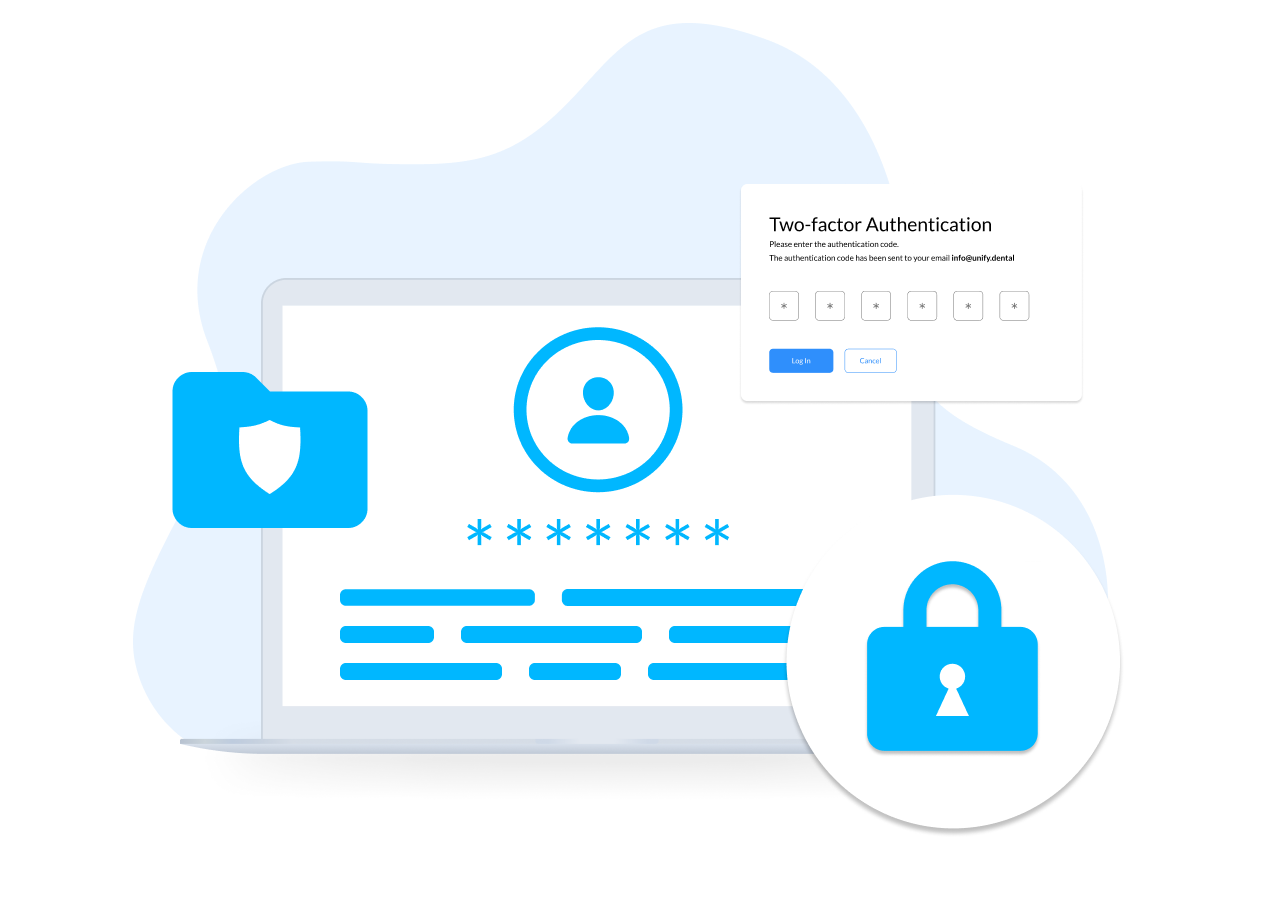
Unify stores all credentials in an encrypted vault and manages authentication automatically in the background. Team members can access systems without ever seeing or sharing actual passwords, which reduces human error and security risk.
This automated approach follows modern healthcare security standards and eliminates the vulnerabilities associated with manual password management.
4. Automatic Audit Trails for Easy Compliance
Unify automatically logs every login and access event. Practices gain instant visibility into who is accessing systems, making audits easier and supporting HIPAA documentation requirements.
With audit-ready logs always available, practices can demonstrate compliance without additional paperwork or administrative effort.
General Benefits of Using Unify
One Platform for Everything
Access all practice systems and insurance portals from one secure place.
Find the Right Login Fast
Locate any login instantly using smart search and organized categories.
Secure Guest Access for Vendors
Give billing partners and RCM teams temporary access without sharing actual passwords.
Track What Is Working and What Is Broken
See which logins are expired, broken, or frequently used so issues can be resolved before they disrupt workflows.
Frequently Asked Questions
A HIPAA compliant password manager helps control access to sensitive systems, prevents password sharing, and maintains the audit trails required under HIPAA.
HIPAA requires practices to control and track who accesses patient information. Weak access controls make it difficult to demonstrate compliance during audits or investigations.
Unify automatically records every login and access event, providing clear documentation for audits and internal reviews.
Yes. Unify scales across multiple locations with centralized control, role-based access, and consistent security standards.
Related posts